

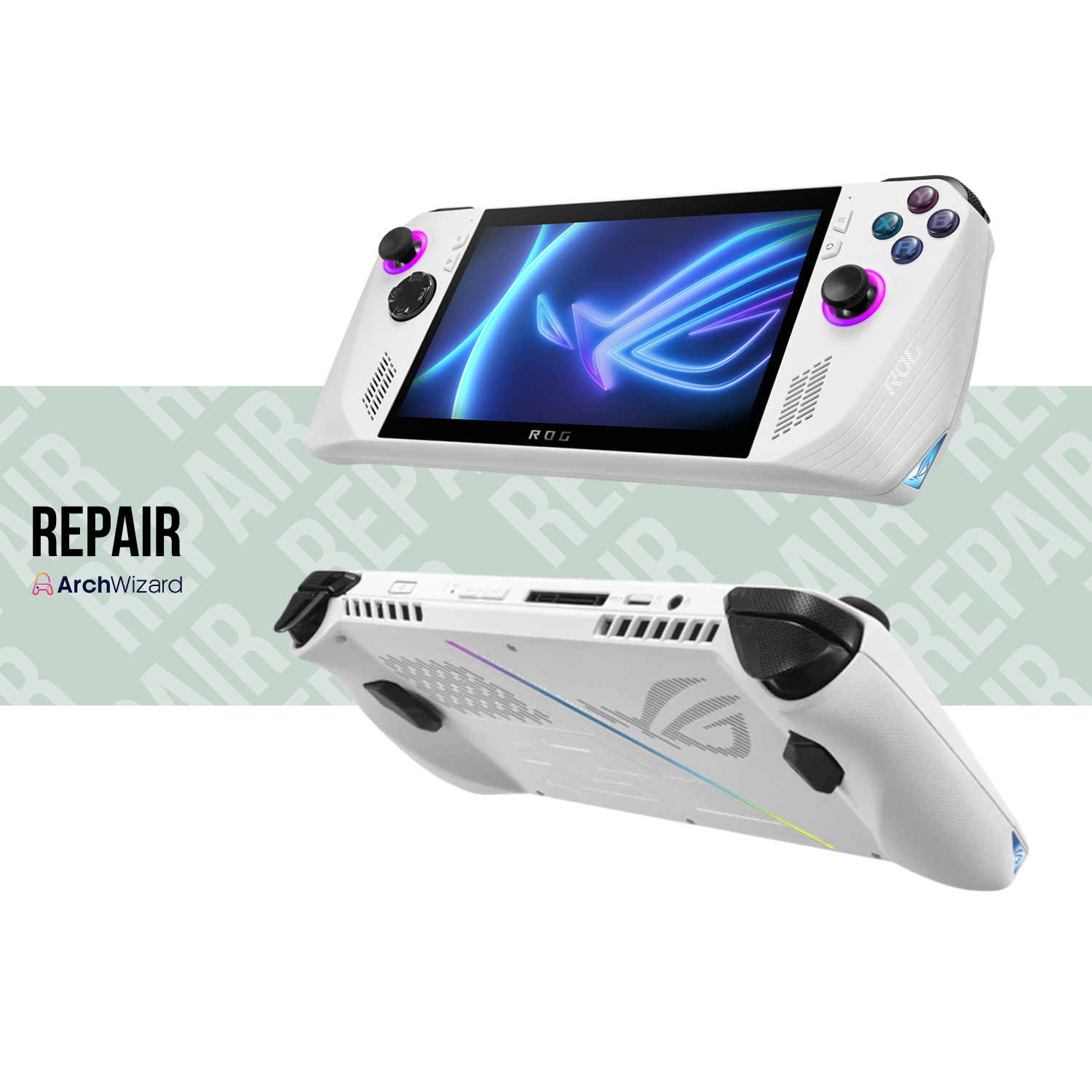
Asus ROG Ally (Repair)
- Regular price
- S$ 91.00
- Sale price
- S$ 91.00
- Regular price
-
S$ 107.90



Share
- Contact Us (WhatsApp)
Tell us your issue and device condition. - Receive Initial Quotation
We’ll provide an estimated repair cost based on your description. - Send or Drop Off Your Device
- Visit our store
- OR arrange delivery pickup ($18)
- Free Technical Diagnosis
We perform a full inspection and confirm the final quotation. - Repair Process
Repair time ranges from 3 days to 8 weeks depending on complexity and parts availability. - Collection / Delivery & Payment
Once completed, collect your device or opt for delivery.
- Free diagnosis before confirming repair
- Free repair if repair is not successful
- Repair time varies depending on issue severity
- Parts availability may affect turnaround time
- Contact us anytime for consultation before proceeding
📌Our Repair Service
Repair Asus ROG Ally Analog Stick Replacement
Description:
Replace the analog stick module on the Asus ROG Ally to restore precise movement and smooth control.
Possible faults / symptoms:
Analog drift, character or cursor moving by itself, inaccurate movement, jittery input, stick not returning to center, loose or worn analog stick, difficulty controlling gamesRepair Asus ROG Ally SSD Replacement Reinstall Software
Description:
Replace the internal SSD and reinstall the operating system to restore storage performance and system stability.
Possible faults / symptoms:
Storage failure, system not booting, corrupted operating system, slow performance, games not loading, SSD not detected, insufficient storage spaceRepair Asus ROG Ally Battery Replacement
Description:
Replace the internal battery to restore normal battery life and stable power operation.
Possible faults / symptoms:
Rapid battery drain, device shutting down suddenly, battery not holding charge, swollen battery, significantly reduced usage timeRepair Asus ROG Ally Display Replacement
Description:
Replace the display panel to restore clear visuals and proper screen functionality.
Possible faults / symptoms:
Cracked or broken screen, no display, flickering screen, dead pixels, discoloration, backlight failure, touch input not workingRepair Asus ROG Ally Motherboard Cap / Fuse
Description:
Replace damaged capacitors or fuses on the motherboard to restore power and system stability.
Possible faults / symptoms:
Device not powering on, sudden shutdowns, no charging response, power instability, short circuit damage, blown fuse symptomsRepair Asus ROG Ally Motherboard Diagnosis
Description:
Perform a full motherboard diagnostic to identify hardware faults and determine the required repair solution.
Possible faults / symptoms:
Unknown hardware issues, intermittent power problems, random crashes, no display with working screen, previous repair unsuccessfulRepair Asus ROG Ally Fan Replacement (One Side)
Description:
Replace the faulty cooling fan on one side to restore proper airflow and prevent overheating.
Possible faults / symptoms:
Fan not spinning, loud or grinding fan noise, overheating during use, uneven cooling, sudden performance drops, device shutting down due to heatRepair Asus ROG Ally Analog Cap Replacement
Description:
Replace the worn or damaged analog cap to restore grip, comfort, and control.
Possible faults / symptoms:
Analog rubber worn off, torn or cracked cap, slippery thumb grip, exposed plastic stick top, discomfort during gameplay, cosmetic damageRepair Asus ROG Ally Speaker Replacement
Description:
Replace the internal speaker to restore clear and normal audio output.
Possible faults / symptoms:
No sound, distorted or crackling audio, very low volume, sound cutting in and out, speaker not working while headphones workRepair Asus ROG Ally Joystick Controller Board Replacement
Description:
Replace the joystick controller board to resolve input issues caused by a faulty control circuit.
Possible faults / symptoms:
Analog not detected, no response from joystick, erratic or incorrect input, analog drift not fixed by stick replacement, controller board failureRepair Asus ROG Ally Wifi Card
Description:
Replace the Wi‑Fi card to restore stable wireless network connectivity.
Possible faults / symptoms:
Wi‑Fi not detected, unable to connect to networks, frequent disconnections, very weak signal, network hardware errorRepair Asus ROG Ally Wifi Antenna
Description:
Replace the Wi‑Fi antenna to improve signal strength and connection stability.
Possible faults / symptoms:
Weak Wi‑Fi signal, unstable connection, slow network speed, frequent dropouts, Wi‑Fi works only at very close rangeRepair Asus ROG Ally Custom Service
Description:
All other repair or maintenance service request.